A group chat’s memories,
finally findable.
A WhatsApp bot that quietly saves every photo and video my friend group shares, and a web archive that makes years of them browsable in seconds.
Filter Records
Fourteen friends.
Thousands of photos.
Our friend group runs on WhatsApp: one main group and a pile of smaller ones for trips, game nights and everything in between. Every week someone shares photos worth keeping, and every week they sink out of reach under new messages.
I designed and built a system that keeps them: a bot that archives media as it’s shared, and a gallery the whole group can browse by date, person and group.
- Role
- Designer and developer
Concept, interface, bot, front end - Timeline
- June to September 2026
- Built with
- React, Node.js
whatsapp-web.js, Cloudflare R2, Vercel
Group chats bury
what they collect.
WhatsApp is built for conversation, not for looking back. The photos are all technically there, but nothing about the app helps you find one again.
Endless scroll, no structure
Finding one photo means scrolling back through months of unrelated messages.
Storage anxiety
Auto-download fills up phones, so people switch it off and then miss media entirely.
No way to search
There’s no gallery by date or by person, and no sense of how much has been shared.
Memories that expire
Change phones, clear a chat or leave a group, and the photos go with it.
Turning friction
into questions.
Before building anything, I framed the problem as questions, to keep the solution about people rather than technology.
- How might we capture every photo and video without anyone lifting a finger?
- How might we make browsing feel like a gallery, not a chat log?
- How might we keep it fast with thousands of files?
- How might we keep the context: who sent it, when, and in which group?
- How might we keep the photos while leaving the conversations private?
Job to be doneWhen a photo is shared in the group, I want it saved somewhere I can actually find it later, without digging through chat history or filling up my phone.
Not a photo dump.
A national archive.
A plain gallery would have worked, but it wouldn’t have felt like ours. So the archive plays a character: the Republic of Tippa, Department of Archives, an over-serious government records office for a group of friends. Photos are records, friends are operatives, and opening a photo pulls its field report.
The joke does real design work. It gives every label, empty state and loading message an obvious voice, and it turns dry metadata (who, when, where) into the most fun part of the screen.
| In WhatsApp | In the archive |
|---|---|
| A photo or video | A record, with its own file ID |
| The person who sent it | An operative |
| The group chat | A unit |
| Opening a photo | Pulling the field report |
| Loading | “Retrieving records…” |
| Nothing matches the filters | “No records found” |
| The login screen | A “Restricted” stamp and an access code |
A look to match
Charcoal and cream like old paper files, gold for anything official, and burgundy for the rubber stamps. Condensed capitals for headings, a typewriter-style mono for labels.
Field Report
Filed from the weekend trip unit, with caption.
File ID · Operative · Unit
A bot that listens.
A gallery that remembers.
Two ways in, one archive out. A bot saves new media the moment it’s shared, and a parser imports years of history from WhatsApp’s chat exports.
- CaptureThe bot watches the approved groups and picks up every photo, video and sticker.
- CheckEach file is fingerprinted, so the same photo is never stored twice.
- StoreThe file goes to cloud storage with a small note: sender, group, time, caption.
- IndexOne running list of every record is kept up to date for the gallery to read.
- BrowseThe web archive turns that list into a timeline anyone in the group can explore.
Under the hood: whatsapp-web.js for the bot, SHA-256 hashes for duplicates, Cloudflare R2 for storage, a line-by-line JSON index, and a React front end on Vercel.
Years of photos,
one timeline.
The main view is built around the question people actually ask: “when was that?”
Filter Records
- A timeline down the side: pick a year, then a month, and jump straight there
- Filters for group, person, type, date range and caption text, in a bar that shrinks out of the way as you scroll
- Separate tabs for media, stickers and people, because stickers are their own kind of memory
- A live count of matching records, so every filter gives immediate feedback
Every photo comes
with its paperwork.
Opening a record shows the photo full-size beside its field report: who filed it, from which unit, and when. This is the context WhatsApp throws away the moment you save an image to your phone.
- File ID
- 3EB0A91C7F2D4E61...
- Operative
- Full name
- Unit
- Weekend trips
- Filed
- 14 Sep 2026, 9:42 pm
- Type
- Photo
- Caption
- “Worth the 5 am alarm.”
- Arrow keys and on-screen arrows move through records without closing the viewer
- Videos play in place
- Each record carries a file ID from the original message, so a photo can always be traced back
A hall of fame
for oversharers.
The People tab ranks the top contributors and lists every member with their record count. Tapping a person filters the whole archive to what they’ve shared, so the leaderboard doubles as a way in.
Designed for where
the group lives.
Nobody opens a memory archive at a desk. Every part of the interface was reworked for a phone rather than squeezed onto one.
Filter Records
- The side timeline becomes a row of month pills you can swipe
- Filters move into a bottom sheet, within thumb reach, with one clear Apply button
- In the viewer, the photo fills the whole screen and the field report scrolls up from below
The hard part
was staying on.
The first version came together quickly. Making it dependable took the rest of the summer, and most of that work was in the unglamorous failures.
| What went wrong | What I built |
|---|---|
| The gallery slowed down as the archive grew | The index is streamed line by line, counts come from a tiny summary file, and the grid loads 50 records at a time |
| The bot missed media while it was offline | A sweep on start-up that goes back and collects anything it missed |
| WhatsApp Web updates silently broke the connection | A health check and a supervisor that restarts the bot when the page dies |
| The same photos arrived twice, from the bot and from exports | Every file is fingerprinted before upload; duplicates are skipped |
| Chat exports name files differently from the chat itself | A parser that matches by filename first, then by timestamp |
Keep the photos.
Leave the conversations.
An archive of a group chat only works if everyone in it trusts it. Those limits were part of the design from the first sketch.
- Media only. The archive keeps photos, videos, stickers and their captions. Conversations are never stored.
- Approved groups only. The bot ignores everything outside a short list. For a new group, it messages me and waits for a yes.
- An access gate. A code-protected entry screen is built in, stamped “Restricted”, ready to switch on.
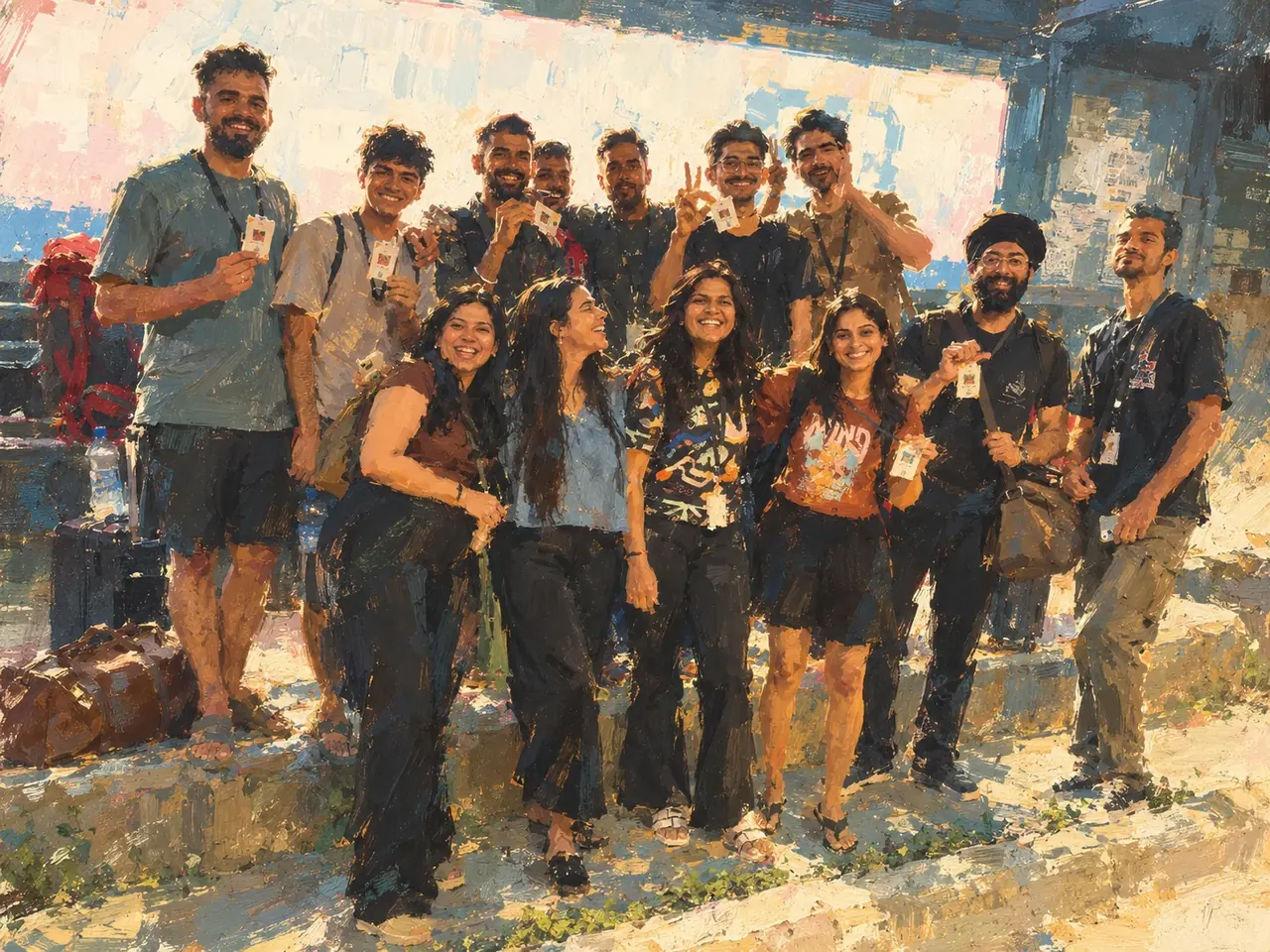
- The archive stays private. Every screen in this case study uses placeholder photos and redacted names. The only real picture is the painted group portrait at the top.
Before and after
the archive.
unique photos, videos and stickers archived so far.
friends on the archive’s roster.
group chats on the approved list.
Finding a photo
Scroll back through months of chat and hope.
Pick the month, or filter by person. Seconds.
Storage
Phones fill up, so auto-download gets switched off.
Everything lives in the cloud. Nothing on the phone.
Context
A saved image with no idea who sent it or when.
Sender, group, date and caption on every record.
Effort
Someone has to remember to back things up.
Nobody does anything. The bot just listens.
The best tools
disappear.
- Personality is a feature. The archive conceit turned a backup utility into something with a voice, and gave every label and empty state a reason to exist.
- Reliability is design too. A beautiful gallery with missing photos is a broken product. The invisible work mattered most.
- Designing and building together changes both. Knowing what the data looked like shaped the interface, and the interface decided what the bot needed to save.
What’s next
- On this day: memories from the same date in earlier years
- Date headers that stick while you scroll through a month
- Moving the bot to an always-on server, so it never needs my laptop